
iMessage
READS
og:titleog:image
Shows a rich card with the image, title and domain.
See exactly how your links look in texts, search, and social and hopefully you fix them before anyone else sees.


Previews are approximations. Actual appearance may vary across platforms.
It takes about as long as pasting the URL.
Drop in any public URL: a homepage, a blog post, a product page. No account, no setup.
3 passed · 1 to improve
We fetch the page and pull the same title, description and image tags that each platform reads.
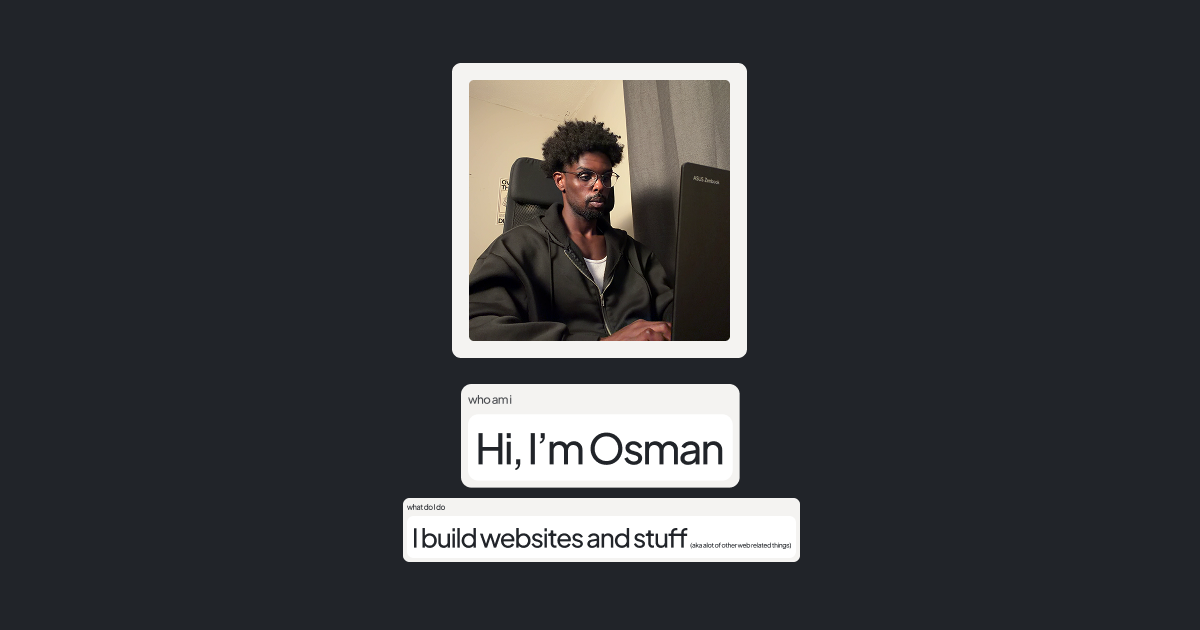
Osman Ali's portfolio: projects, work, and ways to get in touch.
Plus Facebook, WhatsApp, LinkedIn & more
See the card iMessage, X and Google draw for your link, plus Facebook, WhatsApp, LinkedIn and more.
Spot what's missing or cut off, make the change, and run it again until it looks right.
“This is a value adding product if I am being honest, the instant result you get in just one click is so amazing.”
 New Eravia Product Hunt
Not just a screenshot. A check that tells you what's wrong and how to fix it.
Every title, description and image tag is checked against what each platform expects, then scored. Missing or too long? It's flagged.
1:1 cropSee your image's size, shape and weight, and what gets cut off when an app crops it square.
Osman AliOne scan shows the card each app draws for your link. Side by side, with what's working and what isn't.
Every issue comes with the exact tag to paste into your head, written for your page, not a vague list of problems.
The most common preview problems: what they look like, why they happen, and what to change.
The link shows as plain text, or an empty grey box where the image should be. The page has no og:image, or its URL is relative, blocked, or too heavy to fetch.
“This is awesome, I just checked it out and this is a banger.”
 Alexander willsvia Product Hunt
Each app reads your page a little differently. We show you what each one actually sees.
READS
Shows a rich card with the image, title and domain.
READS
Search results show the page title and a ~155 character description.
READS
Large image card, best at 1200×630.
READS
Needs summary_large_image to show the big image card.
READS
Previews in the composer; keep the image small and lightweight.
READS
Link card under your post, cropped to roughly 1.91:1.
READS
Unfurls with your site name, title, description and image.
READS
Embed with a colour strip taken from your theme colour.
These apps read the same Open Graph tags, so a link that looks right here looks right there too.

I'm the maker of How's It Lookin?. I build websites and stuff, based in Toronto. Here's my portfolio: justosmanali.com
Every link gets a preview card before anyone reads a word. Mine kept looking wrong, and I'd only find out from someone's screenshot.
So I built How's It Lookin? because a client said their links looked like crap, and I needed a way to check them without sending test links to friends and family.
“I really love those 1-click instant-value products like yours, thanks for building it.”
 Julian Götzestagewise · via Product Hunt
“I found out that our social media appearance sucks in under a minute.”
Julian Götzestagewise · via Product Hunt“Super nice app! Very simple and easy to use. Love it.”
 Jake Mangervia Product Hunt
“This is a value adding product if I am being honest, the instant result you get in just one click is so amazing.”
New Eravia Product Hunt“Needed this! Thank you! :)”
 Nikavia Product Hunt
“I really love those 1-click instant-value products like yours, thanks for building it.”
Julian Götzestagewise · via Product Hunt“Love the simplicity of it.”
 Robert Jayvia Product Hunt
“This is a great website. I'm truly fond of its concept.”
 Blairvia Product Hunt
“Starting out, this is exactly how I would do it too. There's a lot more to do. Please scale.”
 Siddharth PereiraMilestone Content Studio · via Product Hunt
“Simple and easy to use project, good job!”
 Himanshu Raikwarvia Product Hunt
“This is awesome, I just checked it out and this is a banger.”
Alexander willsvia Product Hunt“It's very fast and useful.”
 Zhi Chengvia Product Hunt
“Really love it!”
 Lam Vu Hoangvia Product Hunt
“This is super handy.”
 Sardul Bhattaraivia Product Hunt
“It's a nice website, I really like the concept.”
Can't find what you need? The short version: paste a link and try it.
Yes. Paste a link and check it as many times as you like, with no account.
They're close approximations built from each platform's published behaviour. Real apps tweak their layouts over time, so small differences are possible.
Apps cache link previews, sometimes for days. After fixing your tags, use the platform's own debugger or re-share the link with a small change (like ?v=2) to force a refresh.
1200×630 pixels (about 1.91:1) works well almost everywhere. Keep important content away from the edges, and keep the file under 1 MB.
At a minimum: a title, a meta description, and og:title, og:description and og:image. Add twitter:card set to summary_large_image for the large card on X.
Not yet. We fetch your page the way a platform would, so it has to be reachable on the public internet, not localhost or behind a login.